
The kitchen sees every order. Instantly.
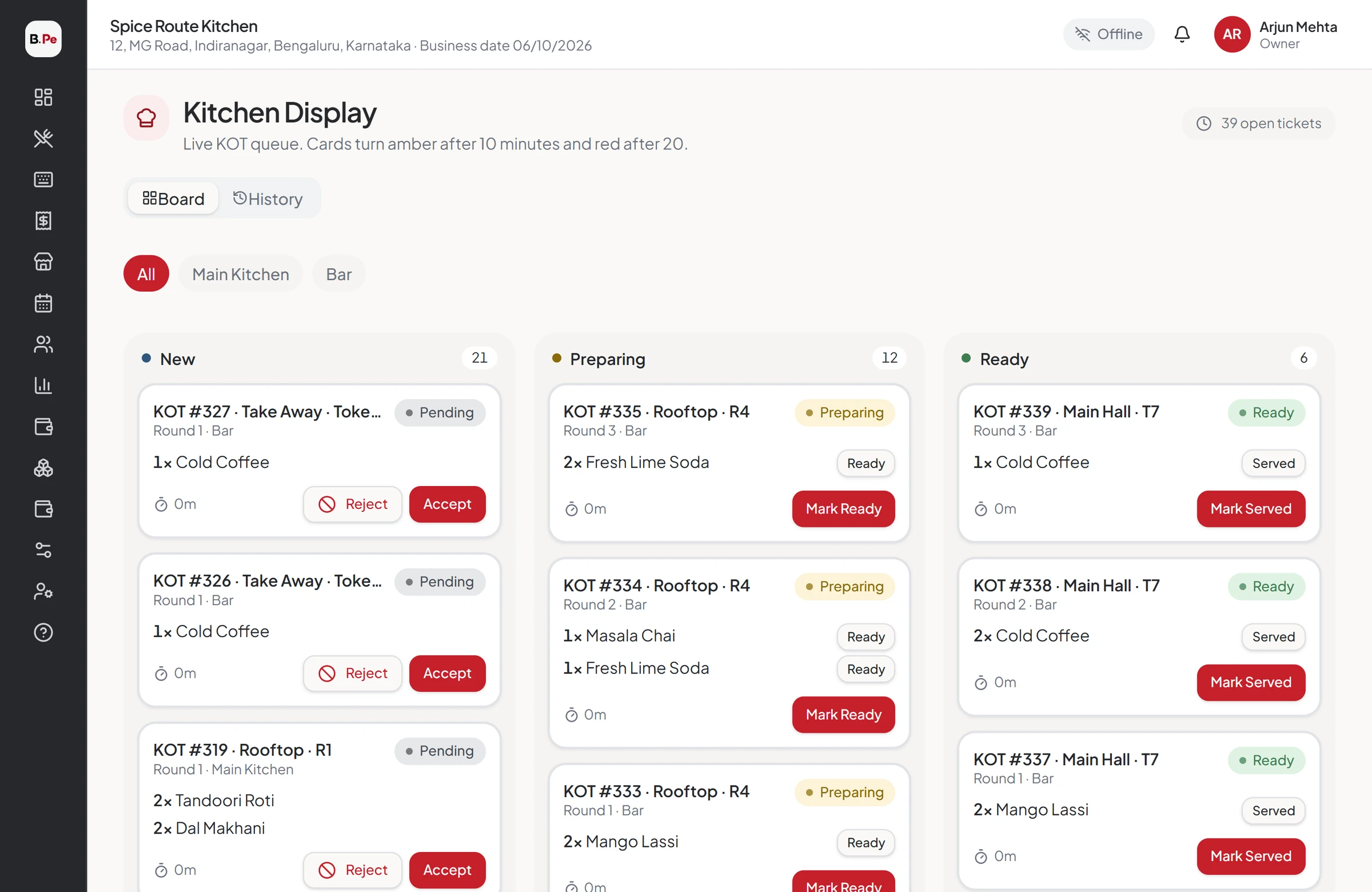
Every KOT appears on the right kitchen screen with a sound. Cooks accept, prepare and mark ready, and the token screen calls the guest when food is up.
Lost tickets and shouted orders
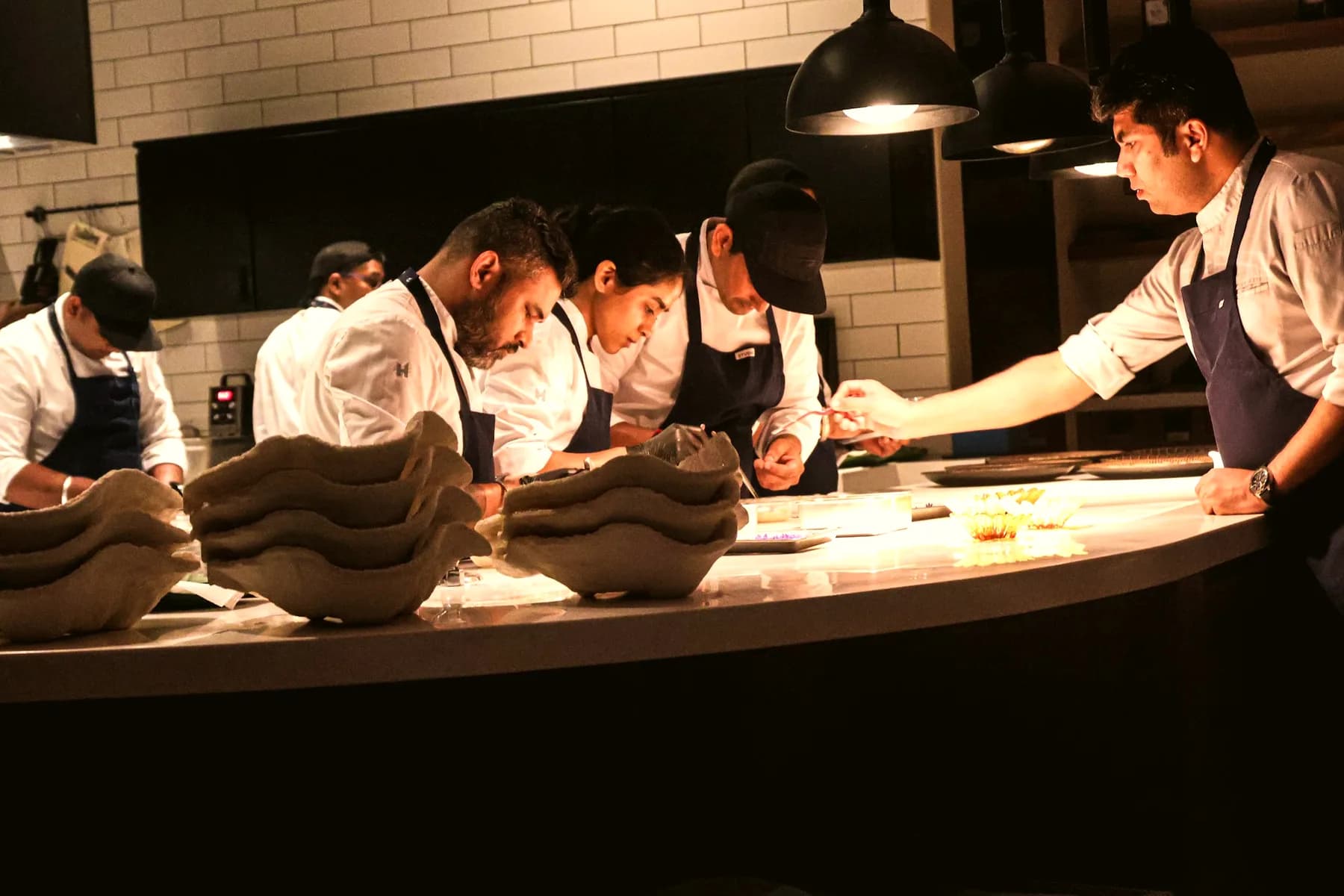
Paper KOTs get lost, smudged and misread. Nobody knows which order came first or how long a table has waited. The KDS gives your kitchen one clear, live queue.
Everything KDS & Token Display does for you
A screen per kitchen
Main kitchen, bar, tandoor or desserts each see only their items.
New-order sound
Every new KOT rings so nobody misses it.
Timers per ticket
See at a glance how long each order has waited.
Accept, prepare, ready
Move tickets through each stage, or mark single items ready.
Ready alerts
Captains and the counter know the moment food is ready.
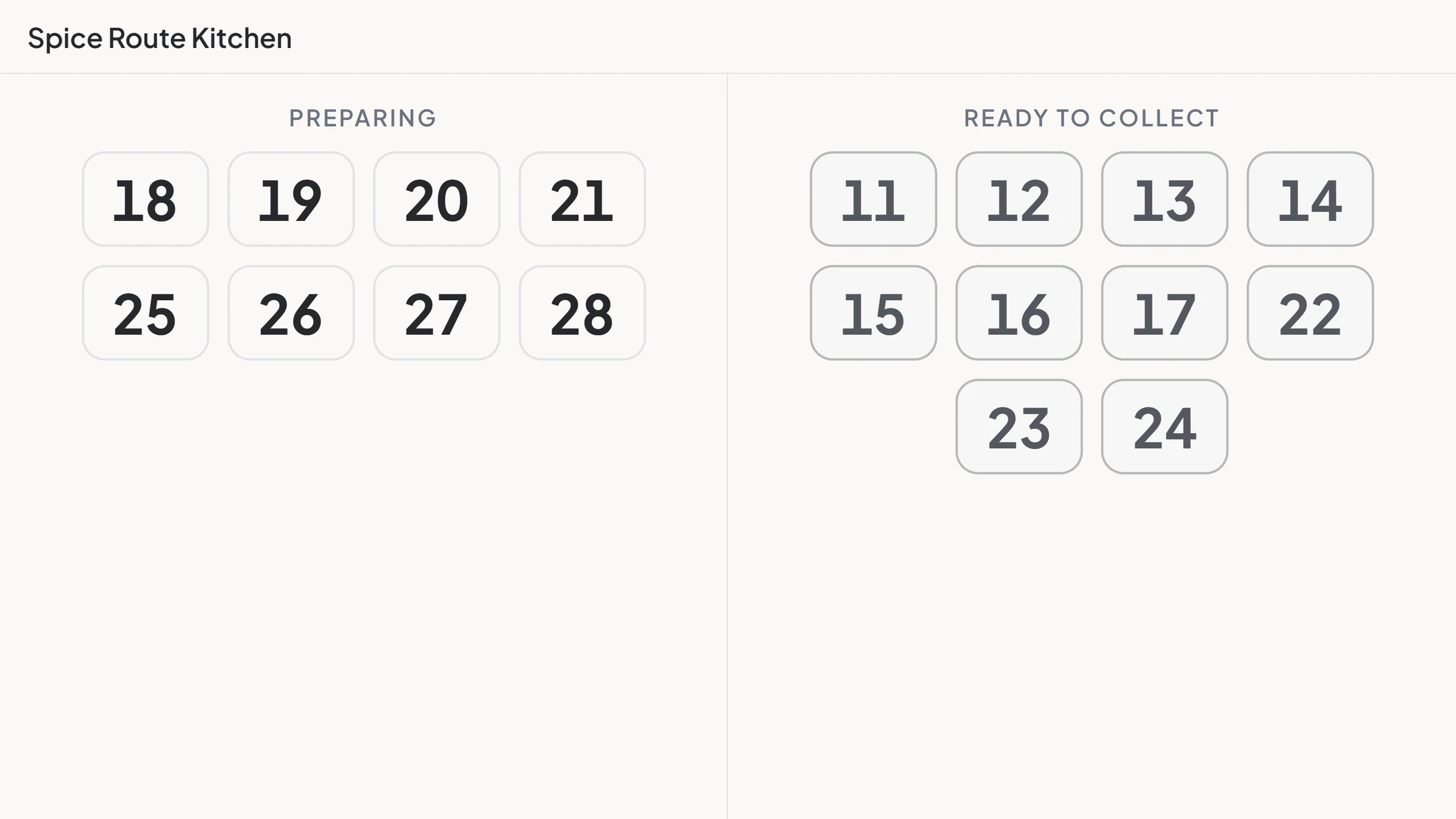
Token display
Ready tokens show on a TV or tablet for pickup counters.
One clear queue for every station
KOTs are routed by category, table section and order type, so every kitchen sees exactly its own work.
- Most specific routing rule wins
- Printed and on-screen together
- Recall a ticket
Call tokens, not names
A daily token number for every pickup and takeaway order. Ready tokens appear on the display screen.
- Token resets every business day
- Works on any TV with a browser
- Reset from the POS when needed
Every order on time
Timers and ready alerts help the kitchen and the floor stay in step during the rush.
- Per-item ready
- Reject with notification
- KOT report for later review
Better together
What our clients say
I have been working with BillerPe, and it has been an excellent experience. It is a very simple-to-use, understandable, and effective system that draws up accounts and controls inventory.
 ZaikaRestaurant · BillerPe customer
Questions we hear often
Any tablet or screen with a browser. Many outlets use a 10-inch Android tablet per kitchen.
See BillerPe working in your restaurant
A 30-minute live demo with your own menu. No obligation, no pressure.
- 30 minuteson a video call
- Your menuset up for the demo
- Free setupif you go ahead