A full restaurant POS in your pocket
No PC? No problem. The BillerPe POS App runs billing, KOTs, the kitchen and reports on Android phones, tablets and POS terminals, with a login for every role.
Small counter, big ambitions
Cafés, kiosks and cloud kitchens don't have room for a PC. The POS App gives them the same power as a full POS on the devices they already use.
Everything POS App does for you
Every role, own device
Owner, manager, cashier, captain and kitchen log in on their own phone or tablet.
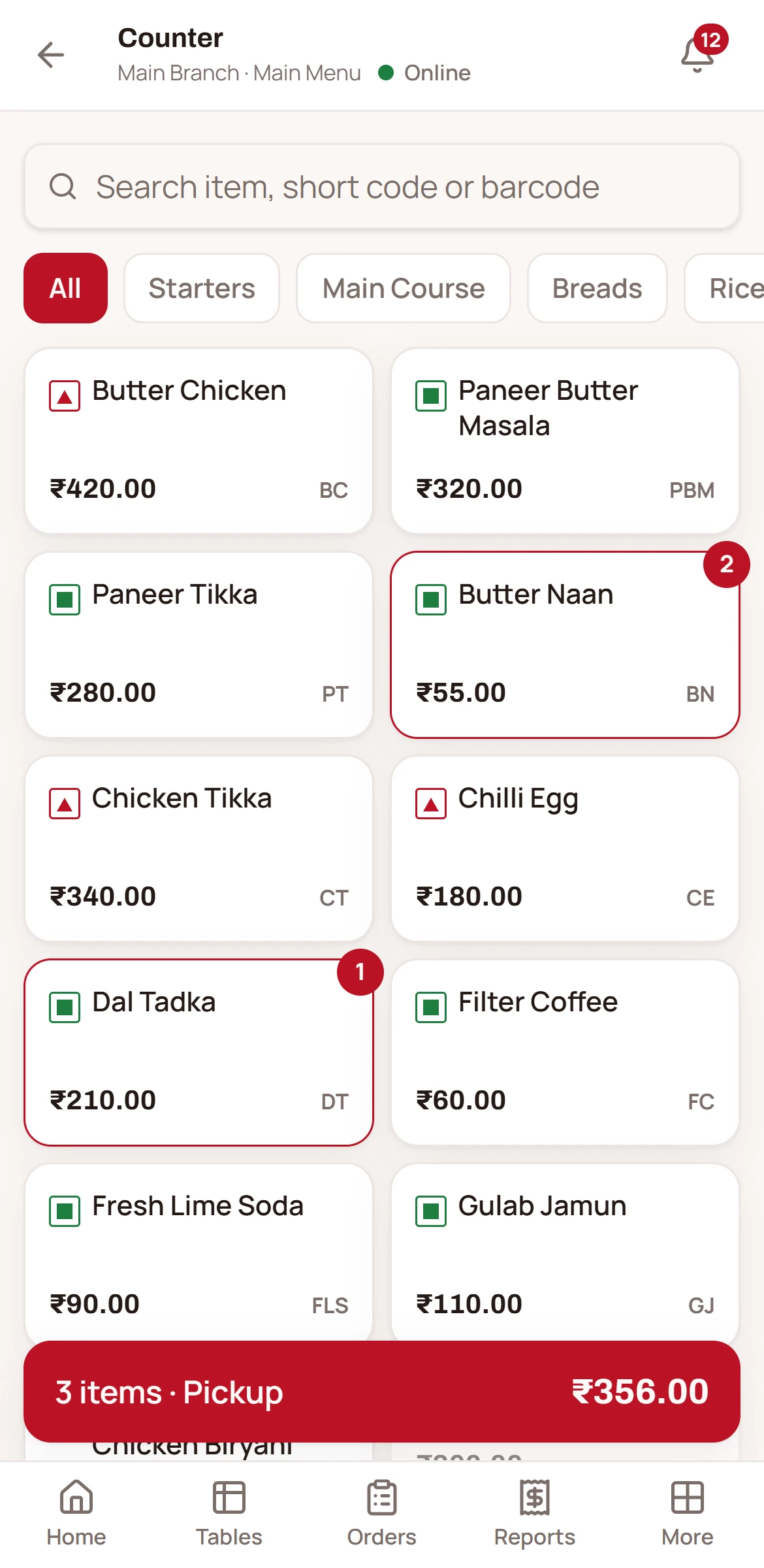
2-tap counter billing
Item grid, token and bill in two taps for quick-service counters.
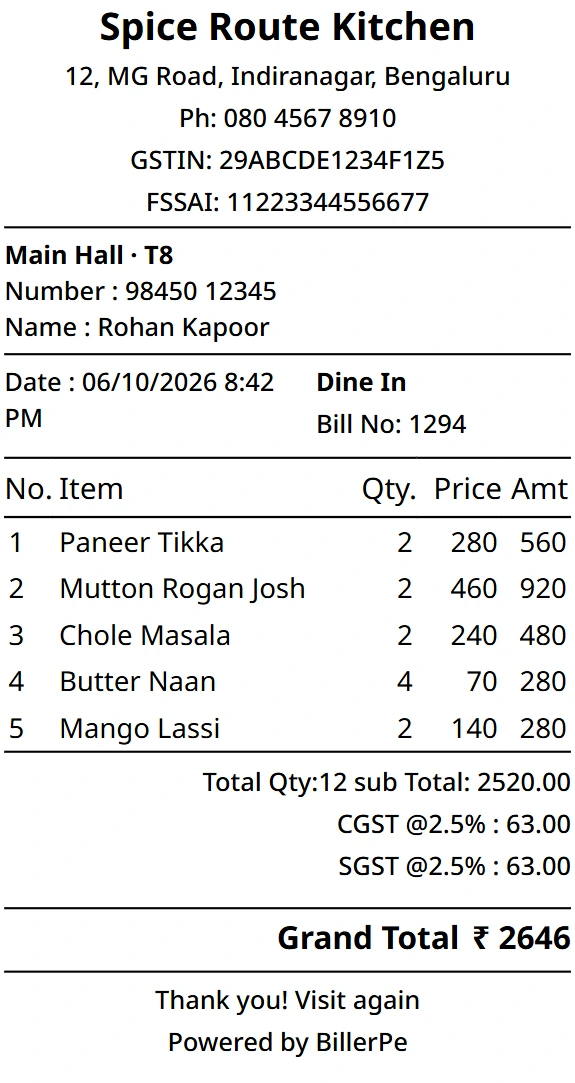
Prints anywhere
Bluetooth, Wi-Fi or the built-in printer of Android POS terminals.
Kitchen on a tablet
KDS per kitchen with new-order sound and ready status.
UPI QR with amount
Show a UPI QR with the exact bill amount and mark it paid.
Device control
Owners see every logged-in device and can remove any of them.
Built for quick service
A fast item grid, tokens per business day and a bill in two taps. Perfect for cafés, QSRs and kiosks.
- Token per business day
- Split payment
- Share bill on WhatsApp
Works with the terminal you have
Android POS terminals from many brands print through their built-in printer. Bluetooth and Wi-Fi printers work too.
- Auto-detects built-in printers
- Per-device printer routing
- A KOT is never lost: retry or reprint
The kitchen and the owner, in sync
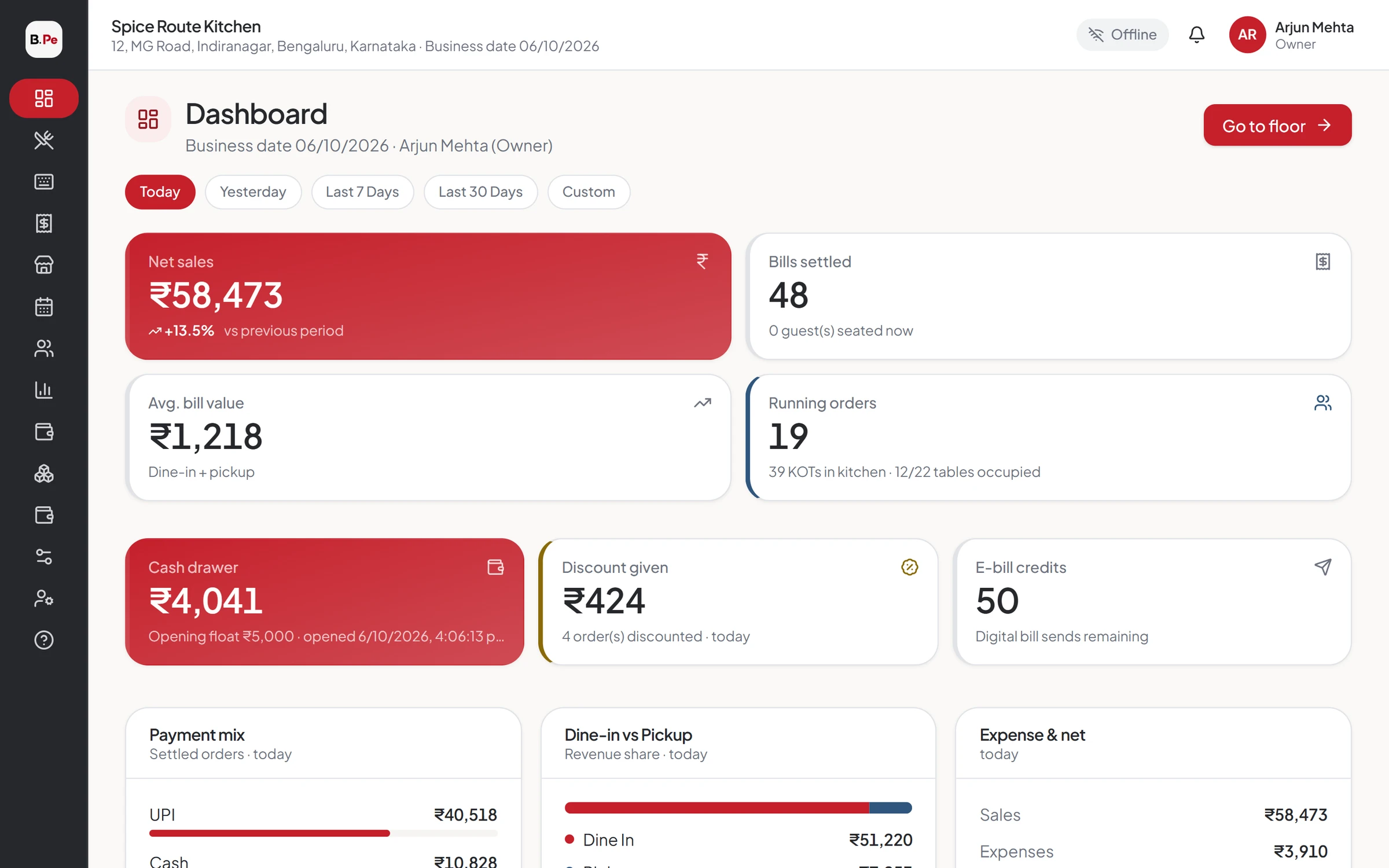
Kitchen tablets get KOTs instantly. Owners see live sales and reports on their own phone.
- KDS per kitchen
- Live dashboard
- Reports with CSV export
Better together
What our clients say
I have been working with BillerPe, and it has been an excellent experience. It is a very simple-to-use, understandable, and effective system that draws up accounts and controls inventory.
 ZaikaRestaurant · BillerPe customer
Questions we hear often
No. The POS App needs internet and shows a clear screen when the connection drops. If you need offline billing, choose the BillerPe Suite with the Offline Server.
See BillerPe working in your restaurant
A 30-minute live demo with your own menu. No obligation, no pressure.
- 30 minuteson a video call
- Your menuset up for the demo
- Free setupif you go ahead